Integrations, Privacy & Security
4
 min read

Connecting Event Software with CRM and ERP Systems

By 
Lukas Hoffmann
October 25, 2026
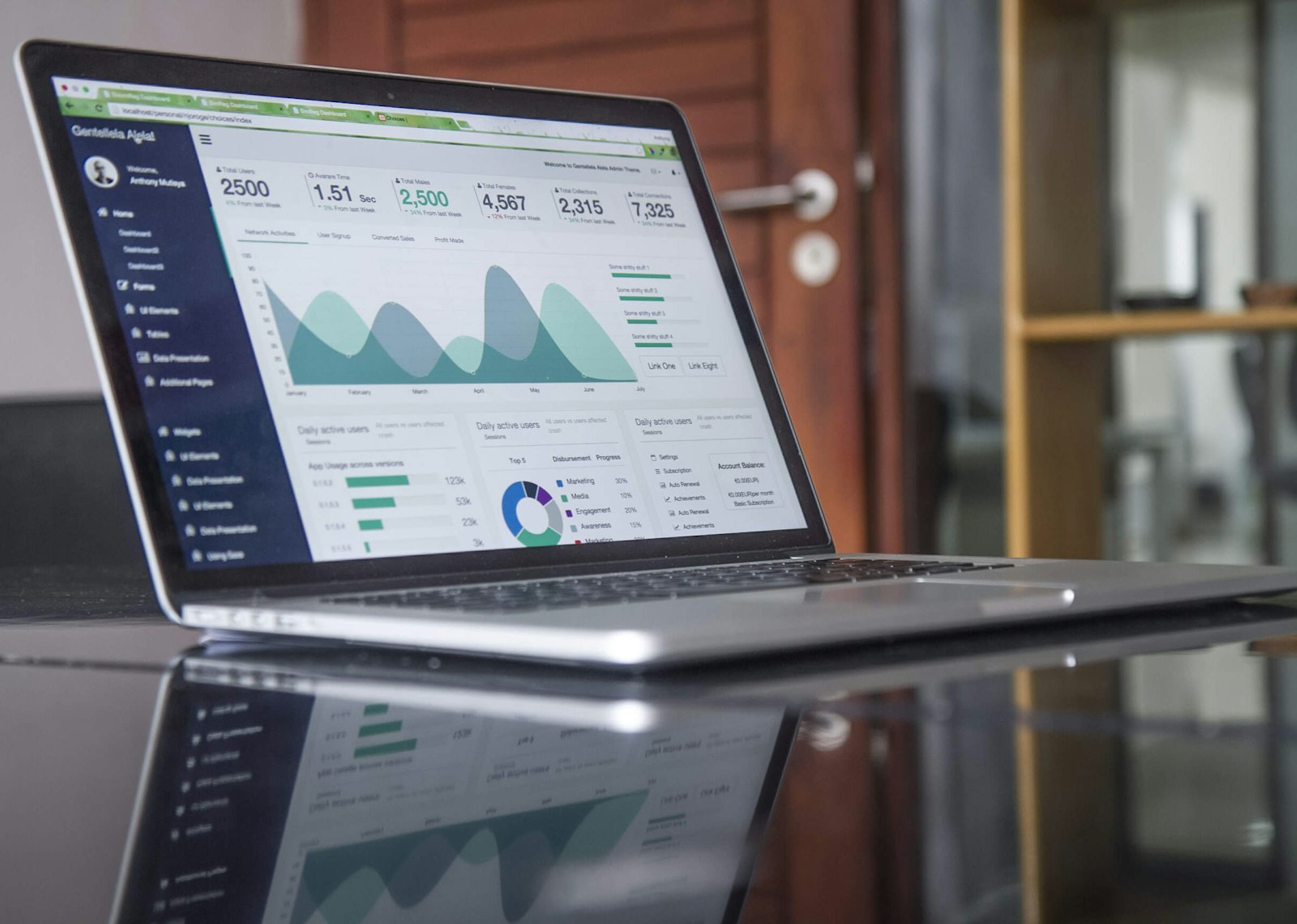
Event planning and technology image for Connecting Event Software with CRM and ERP Systems

Start with the real problem

An integration should remove duplicate work and keep records consistent. The first design question is which system owns each piece of data.

Event planning and technology image for Connecting Event Software with CRM and ERP Systems
Illustrative image for Connecting Event Software with CRM and ERP Systems — sample rich-text media for layout testing.

What to get right

  • Map attendee, company, payment, and consent fields before building a connection.

  • Agree how duplicates, cancellations, refunds, and changed email addresses are handled.

  • Limit transferred data to what each connected system actually needs.

A successful integration is measured by trusted records—not by the number of connected apps.

A practical workflow

  1. Document the trigger and destination for each data flow.

  2. Test normal, duplicate, incomplete, and failed records in a safe environment.

  3. Assign an owner for monitoring and resolving sync errors.

Turn the plan into action

Start with one high-value workflow, then expand after the team can explain how exceptions are handled.


Related articles:

Event management tips delivered straight to your inbox

Get practical tips, helpful insights, and fresh ideas to plan events more efficiently, manage attendees, and reduce your administrative workload.

Thank you! Your submission has been received!
Oops! Something went wrong while submitting the form.
Getting started

Evaluate EventManager Online for Your Organization

Start a free trial or speak with our team to explore how EventManager Online supports your event management, integration, and compliance requirements.

EventManager Online dashboard with event metrics, participant registrations, and performance tracking tools.